AutoPay Sign Up Instructions
The convenience of AutoPay allows our customers time-saving benefits as well as some peace of mind that their payments will be made on time. We offer AutoPay through two methods:
- Credit or Debit Card: The LMUD Board of Directors approved an automatic $2 convenience fee to each credit or debit card transaction, starting with the December 2022 bill cycle, to help offset the cost of bank fees which totaled approx. $75K in fiscal year 2022.
- Bank Drafts: There is no extra fee for these transactions.
One-Time Payments
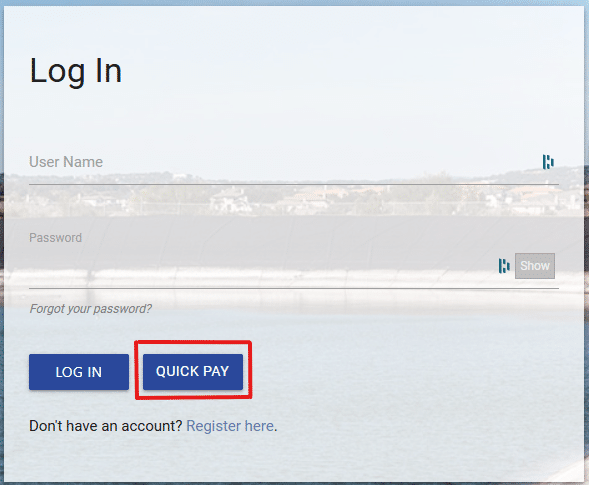
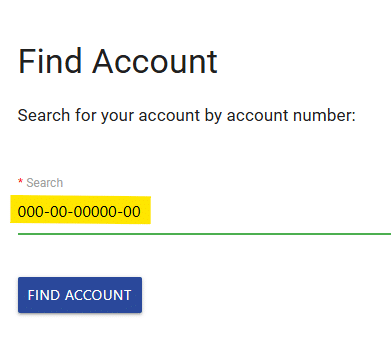
LMUD customers can make a one-time payment online by clicking “Pay My Bill” in the upper right corner at www.lakewaymud.org, clicking the “Quick Pay” button on the next screen, and then entering their account number. For customers experiencing issues with making one-time payments through our Payment Portal, we suggest users clear their browsing history and cache and close any other open web pages.

Sign Up for AutoPay
To sign up for AutoPay, LMUD customers can:
- Download and print the Authorization for Automatic Payments form. If signing up for bank draft, a voided check must accompany the form.
or
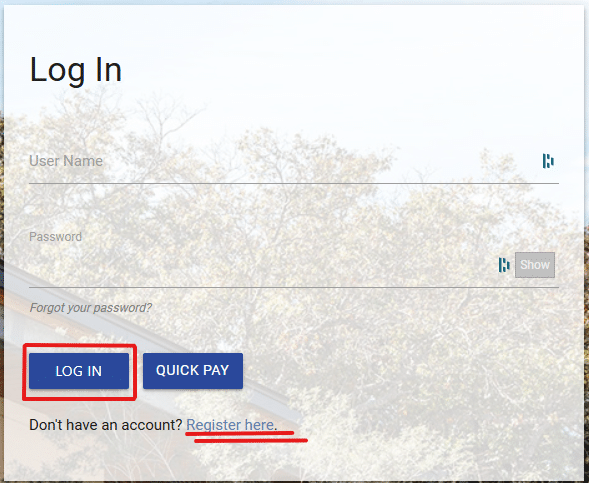
- Login to their account through our website.
- Select “Pay My Bill” in the upper right corner at www.lakewaymud.org
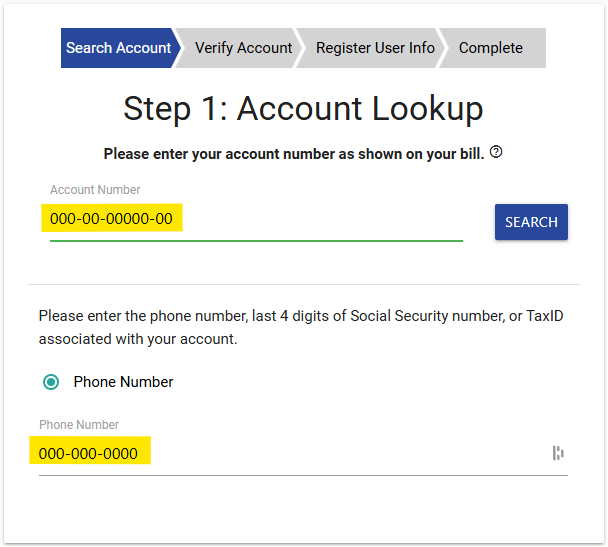
- Use your account number (located on your LMUD utility bill) to register for an account or login using your username and password
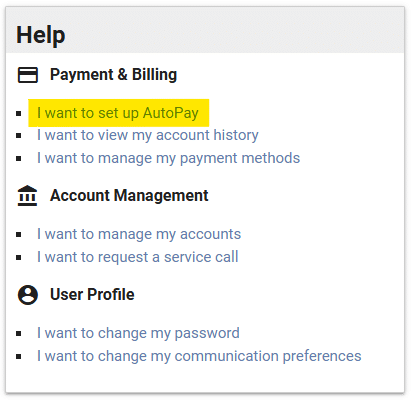
- Once logged in, select “I want to set up AutoPay” from the Help menu
- Follow these instructions to sign up for AutoPay by Credit or Debit Card.
- Follow these instructions to sign up for AutoPay by Bank Draft.
Change AutoPay Payment Method
The video below will help users unlink an account from AutoPay to switch to a different payment method.
Please note: Customers wanting to make a payment AND update their payment method will need to do so as two separate processes – updating your AutoPay method does not pay your current balance; paying your current balance does not update your current AutoPay method.
If you have any additional questions, please contact us during regular business hours:
Main Office: (512) 261-6222
cu*************@********ud.org
 You are now being redirected to the WaterSmart page.